01 / Name the problem
“Your kitchen light is making dinner look like a crime scene.”
Names a familiar frustration instead of introducing a product.
First shot: Show the harsh overhead light before changing anything.
For your next Instagram Reel
Know what you want to film, but can’t find the opening line? Turn your idea into a hook with hooksmith, then make it a script you can say out loud.
Get hooksmith for iPhoneGenerate in the iPhone app. Your first hook is free.
Scripts and further AI writing require a plan.
One idea. Three ways in.
An Instagram hook is the opening line or visual that tells someone why your Reel is worth watching. Make one clear promise, then deliver it.
01 / Name the problem
Names a familiar frustration instead of introducing a product.
First shot: Show the harsh overhead light before changing anything.
02 / Offer a useful change
Gives the viewer a specific, low-effort reason to keep watching.
First shot: Move the lamp, then show the difference from the same camera position.
03 / Show a contrast
Sets up a comparison that the video can immediately deliver.
First shot: Cut between the two lighting setups without changing the scene.
Illustrative writing examples, not measured performance results. Choose an opening you can honestly show in your video.
Give your hook something to work with
Tell hooksmith who the video is for, what they’re struggling with and what you’ll show. Add the tone you want. You can write these details together in your idea.
Instead of “a Reel about lighting”, try this:
“A Reel for renters whose kitchens feel harsh under overhead lighting. Show how moving an existing lamp changes the room. Friendly and practical. No new purchases or permanent changes. End by inviting people to try a different lamp position.”
From opening line to recorded take
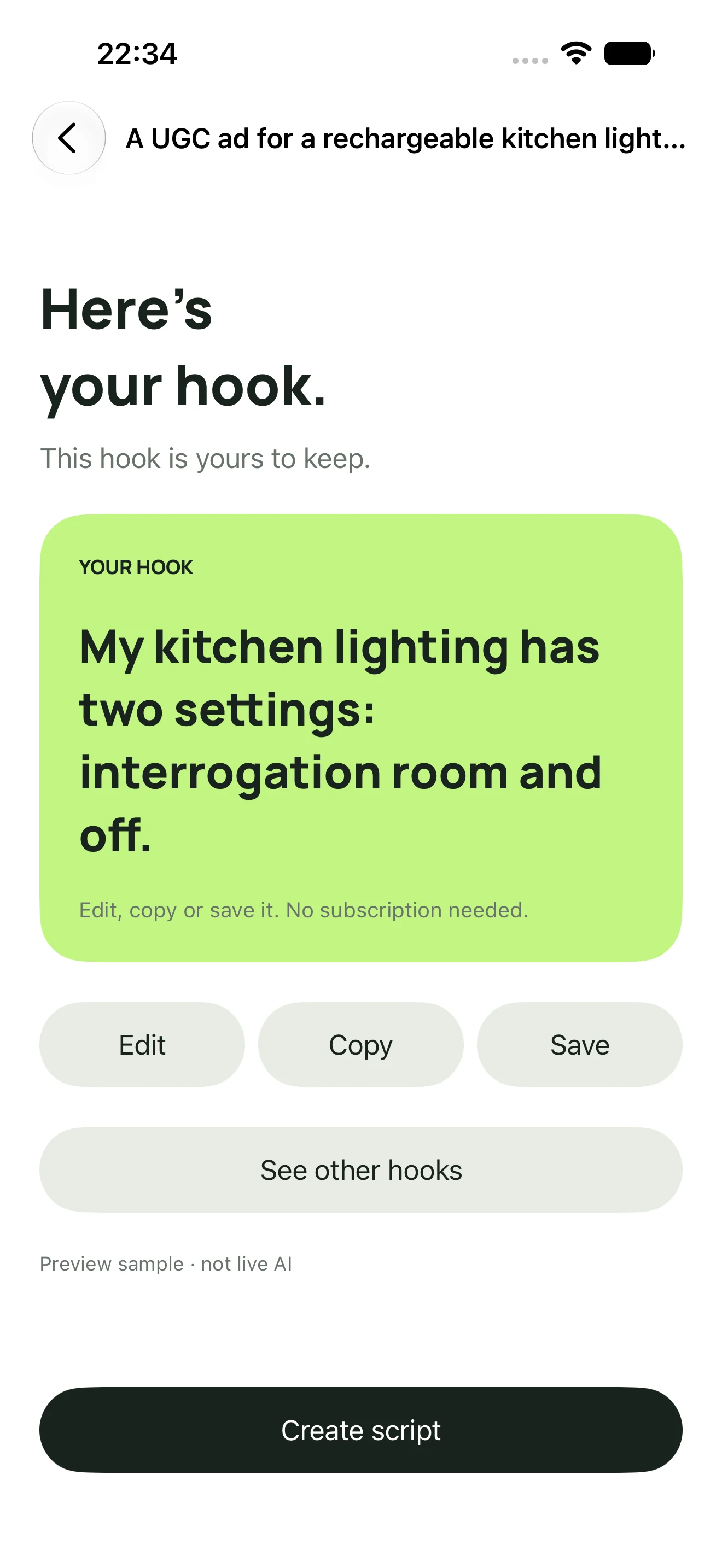
Open hooksmith on iPhone and describe your Reel idea. Generate your first hook, then edit anything that doesn’t sound like you.
With a plan, expand the hook into a script. Keep the body focused on the promise in your opening and finish with one clear next step.
Read your words out loud, adjust the teleprompter’s text size and scrolling pace, and record. Review, retake, save or share your video.
The hook is only the start
If your hook promises a lighting fix, show the fix. A strong opening and an unrelated body leave the viewer with nowhere to go.
This short sample shows how the idea could become a Reel. Read it aloud and change any wording you wouldn’t normally use.
Make your delivery feel naturalHookBefore you buy another lamp, try moving the one you have.
BodyHere’s my kitchen with just the ceiling light. Now I’m putting this lamp on the sideboard. Same room, different feel. Let me show you both from the doorway.
EndingTry a different position for one of your lamps tonight. Which spot feels better?
Generation happens in the hooksmith iPhone app. This page gives you examples and a writing brief to help you get started. Download the app to generate and edit a hook from your own idea.
Your first AI-generated hook in the app is free, with no card needed. Scripts and further AI writing require a plan. Check the current plans and usage allowances in the app before subscribing.
Give it a specific situation, use words you normally say and remove any claim you can’t support. Read the line aloud. If it feels awkward, shorten it before recording.
No generator can guarantee views, watch time or sales. Use the hook as a starting point, deliver what it promises and review how your own audience responds.
Yes, you can write and record a product video. hooksmith helps with the creative work; it doesn’t run ad experiments or measure ad results. See our UGC hook examples and testing guide.
Start with your free first hook in the iPhone app.
Get hooksmith for iPhoneNo card needed for your first hook.
Scripts and further AI writing require a plan.